2 weeks ago
3 weeks ago
3 weeks ago
4 weeks ago
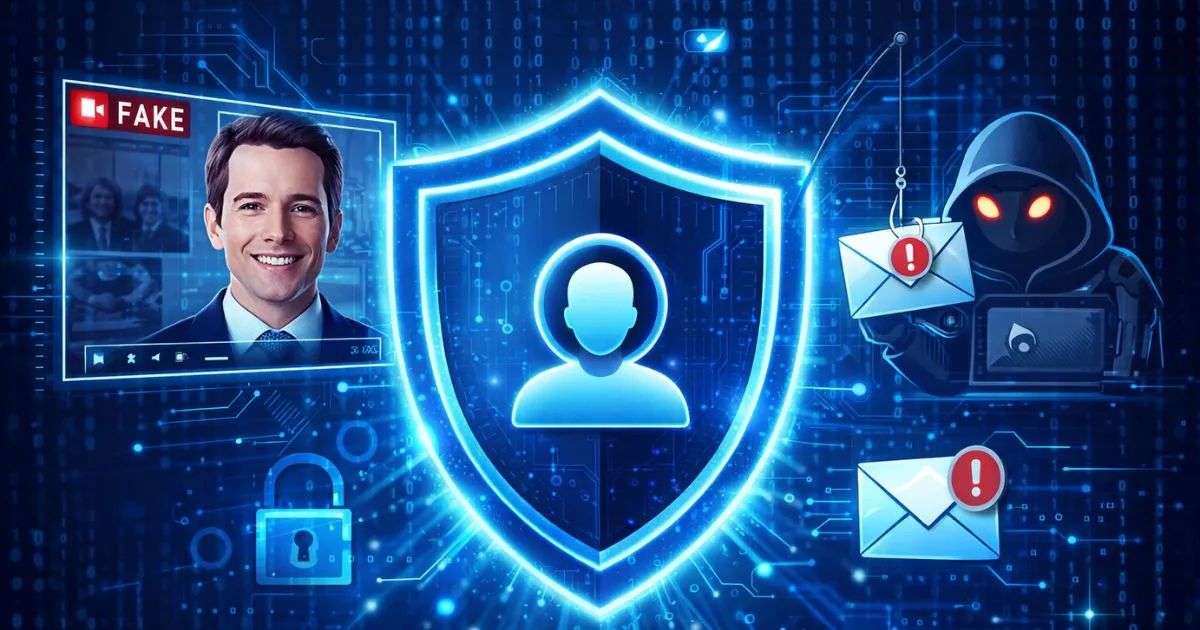
In 2026, the cybersecurity landscape has shifted from "clumsy" emails to hyper-personalized AI attacks. Phishing is no longer just about suspicious links; it now involves AI voice cloning, deepfake video calls, and "agentic" AI bots that can interact with you over days to build trust. Protecting your digital identity is no longer an option—it is a necessity for financial and personal survival.
2026 Cybercrime Realities:
AI Voice Cloning: Attackers can clone a loved one's or a CEO's voice with just 3 seconds of audio from social media.
Quishing: The rise of malicious QR codes in physical and digital spaces to bypass traditional email filters.
Phishing-Resistant MFA: Traditional SMS codes are now easily intercepted; 2026 is the year of the Passkey.
Stop relying on SMS-based Two-Factor Authentication (2FA). In 2026, hackers use real-time "Adversary-in-the-Middle" (AitM) attacks to intercept these codes instantly.
The Solution: Switch to Passkeys or physical hardware keys (like YubiKey). These are "origin-bound," meaning they only work on the real website and cannot be tricked by a fake phishing page.
Benefit: Even if a hacker has your password, they cannot access your account without the physical device or biometric local to your phone.
AI "Vishing" (voice phishing) has become incredibly realistic. If you receive an urgent call from a "family member" or "boss" asking for money or data:
The "Safe Word" Strategy: Establish a non-digital safe word with family and coworkers that cannot be found online.
Verify, Don’t Trust: If a call feels urgent, hang up and call the person back on a known, saved number—not the one that just called you.
Attackers use "Digital Reconnaissance" to build convincing personas of people you know. They scrape your LinkedIn, Instagram, and even public real estate records.
The Action: Use data removal services like DeleteMe or Incogni to scrub your home address and private phone number from "People Search" sites.
Privacy Settings: Set your social media profiles to private. In 2026, even a "public" photo can be used to generate a deepfake of your face.
QR codes are everywhere—on menus, parking meters, and in emails.
The Trap: A fake QR code can lead you to a cloned login page or secretly download a "stealer" malware.
The Rule: Never scan a QR code in an email to "verify" an account. If you must scan a physical QR code, use a scanner app that previews the URL before opening it.
In 2026, the most secure approach is to assume nothing is authentic by default.
Daily Practice: If a chatbot or a colleague asks for "excessive permissions" or an unusual file share, pause. Verify the request through a secondary, pre-arranged channel.
Guidelines based on World Economic Forum Global Cybersecurity Outlook 2026, Europol Phishing Trends, and NIST Digital Identity Guidelines
2 weeks ago
2 weeks ago
2 weeks ago